
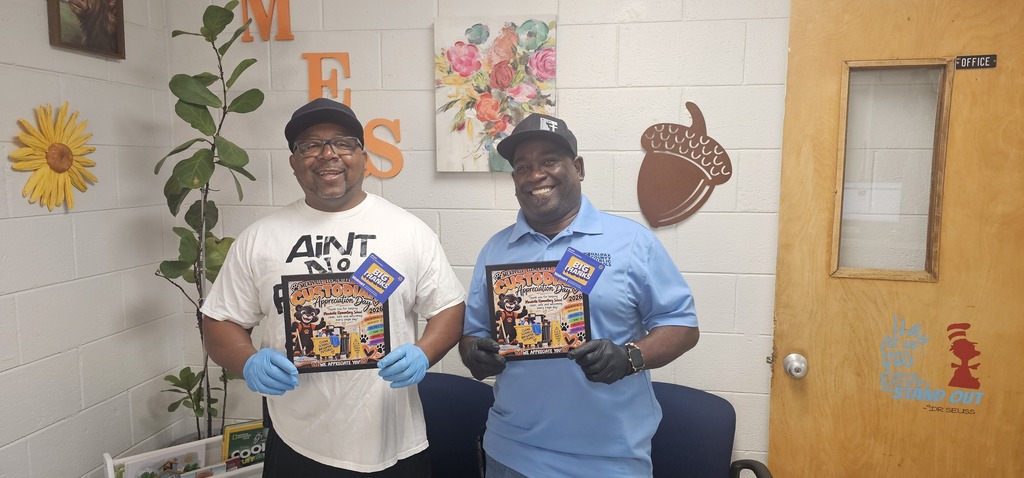
Our PTO surprised these two hard-working individuals with well-deserved rewards to show our appreciation. From keeping our hallways shining to making sure our classrooms are safe, clean, and welcoming every single day, they truly do it all.
Our school wouldn't be the same without your dedication and smiling faces. Thank you to Mr. Stovall and Mr. Taylor for everything you do for our students, staff, and school! 🧽🧹✨
#MeadvilleElementary #ThankYouCustodians #PTOProud #SchoolHeroes
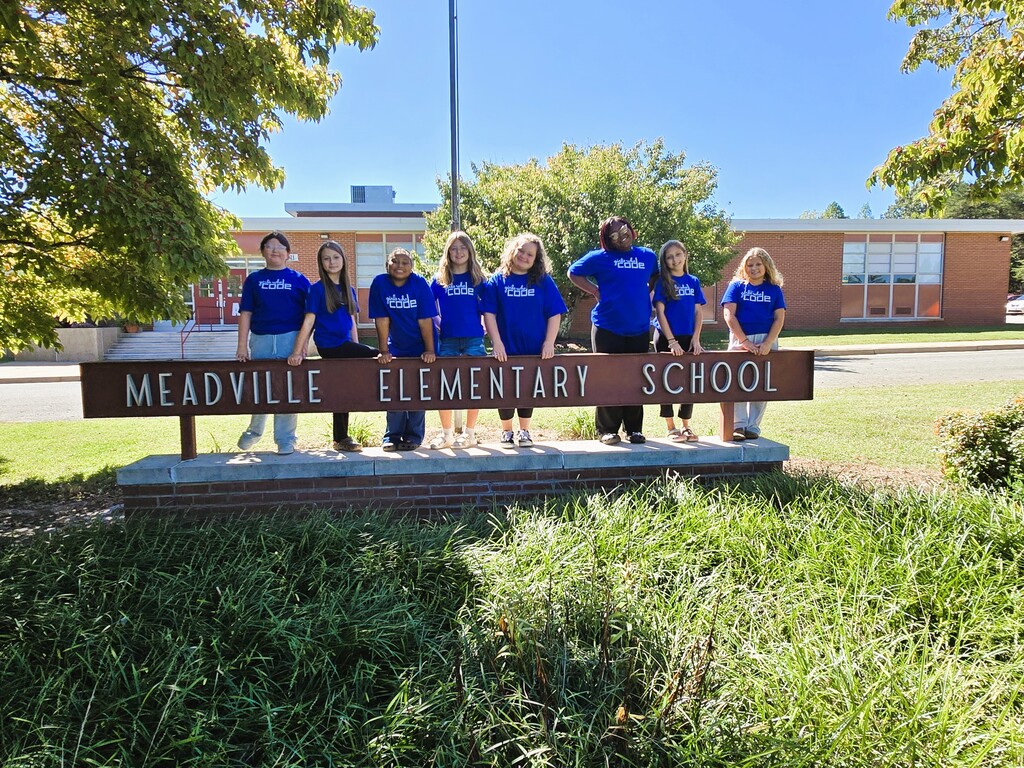
A big shoutout to Mrs. Elliott, the club facilitator, for inspiring our young coders to dream big and innovate boldly! 🚀 #GirlsWhoCode #STEM #EmpowerGirls #FutureCoders #CodingConfidence

Don’t Get Tricked by Digital Strangers!
The Tip:
🎃On Halloween, we enjoy spooky ghosts 👻—but online “ghost” friends can be a trick! If you don’t know someone in real life (at school, on your team, or in your neighborhood), don’t add or chat with them online. Even if they seem nice in a game 🎮, they are still a stranger.
Why it matters :
🎃Children often believe online interactions are safe, especially in games or kid-friendly platforms. However, people can pretend to be someone they’re not 🎭. Teaching kids early to recognize and avoid digital strangers builds lifelong online safety habits.
Pro Tip (Teach Your Child):
Share these simple “ghost-busting rules” 🛑👻:
Don’t share personal info (name, school, phone number) 🚫
Don’t move chats to other apps 📵
Don’t keep secrets from trusted adults 🤐➡️👨👩👧
If a “ghost” friend asks for any of these—tell an adult right away!
Parent Connection 🤝:
🎃Keep conversations open and judgment-free ❤️. Instead of asking “Are you talking to strangers?” try:
“Who did you play with today?” 🎮
“Do you know them from real life?” 🤔
🎃Many school ITRTs have read Chicken Clicking 🐔💻 with students. Ask your child what happened in the story and what the character learned about online strangers—it’s a great way to reinforce this lesson in a familiar, non-threatening way.
👉 Watch it together at home: https://www.youtube.com/watch?v=FSasSWwi5Tk
Try This at Home 🏠:
Do a quick “Ghost Check” together 👻:
Look at friends/followers lists 📲
Remove anyone not known in real life 🚫
Check game chat settings 🎮
Practice what to do: Ignore ➡️ Block ➡️ Tell ✋
💬Conversation Starter:
“If someone you didn’t know came up to you while trick-or-treating and asked personal questions, what would you do? The same rule applies online.” 🎃

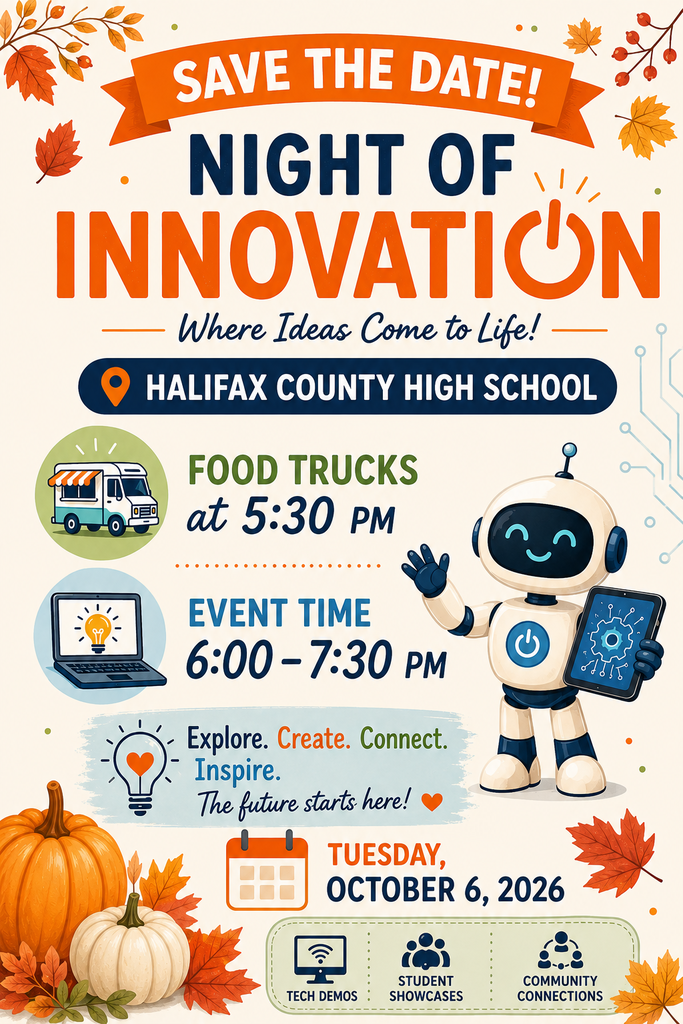
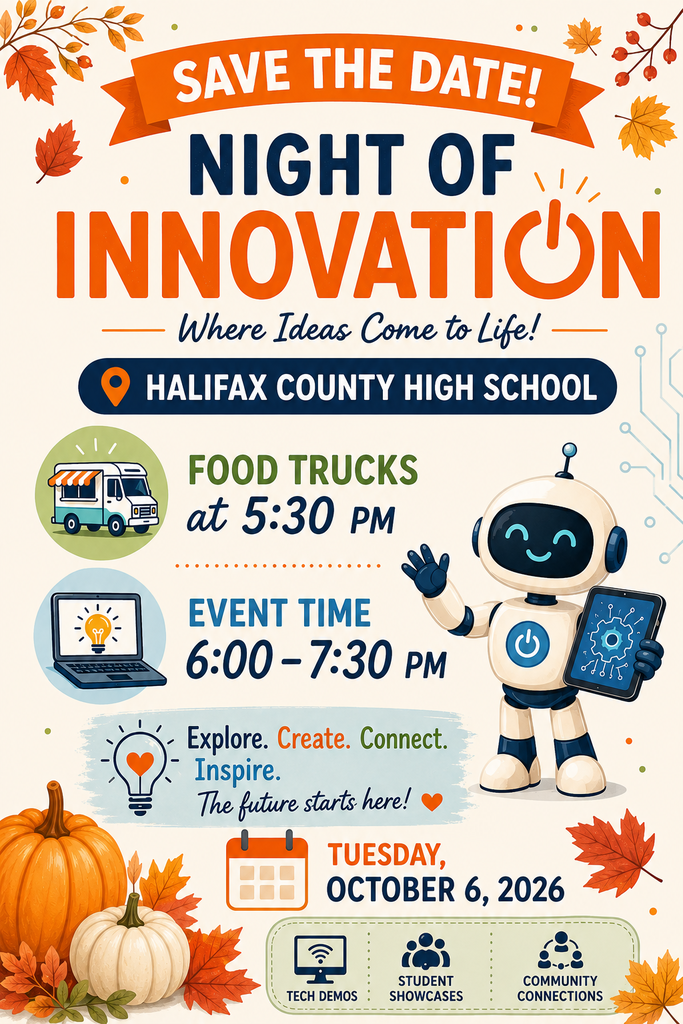
As a reminder, Halifax County Public Schools will host a Night of Innovation tomorrow, Tuesday, October 6, 2026 at HCHS. Attendees will experience technology through interactive experiences, informational displays, and hands-on exploration. A general session on being kind online will be presented by the Halifax County Public Schools Instructional Technology Specialists. Attendees can also experience the Pink Bus, a mobile cybersecurity classroom with interactive, game-based activities.
The school with the greatest percentage of students in attendance will win a prize for the school.
Food trucks will be onsite for attendees to purchase food and drinks.
The doors and food trucks will open at 5:30 PM, and the general session will begin at 6:00 PM. All attendees should enter through the front door.

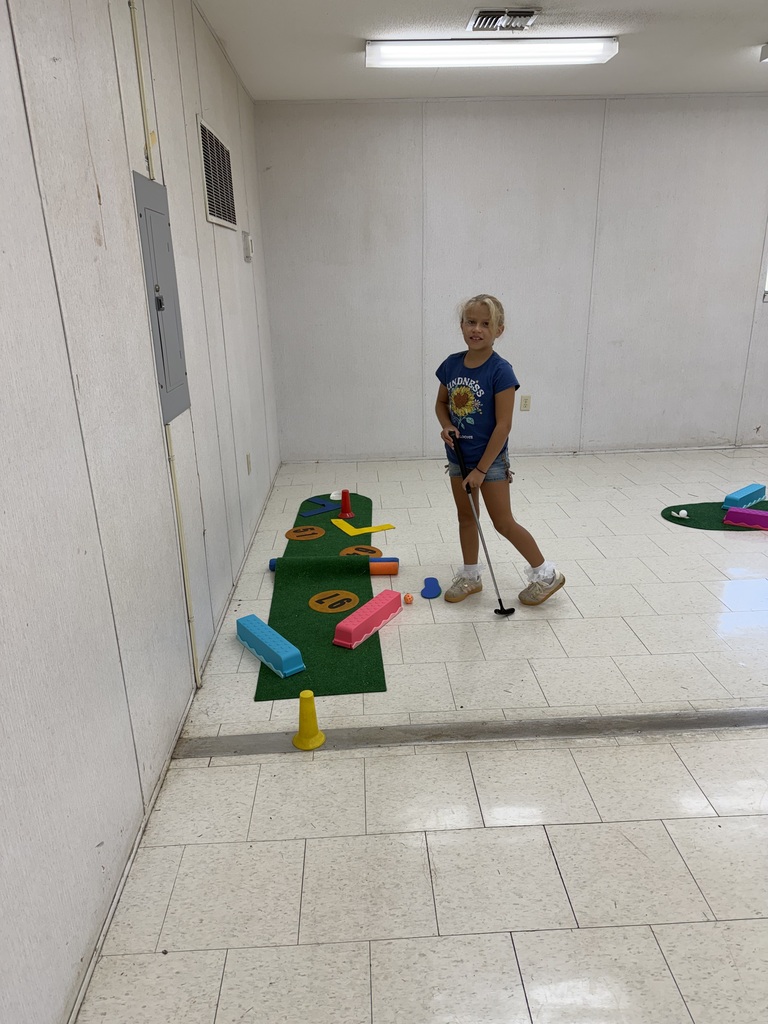
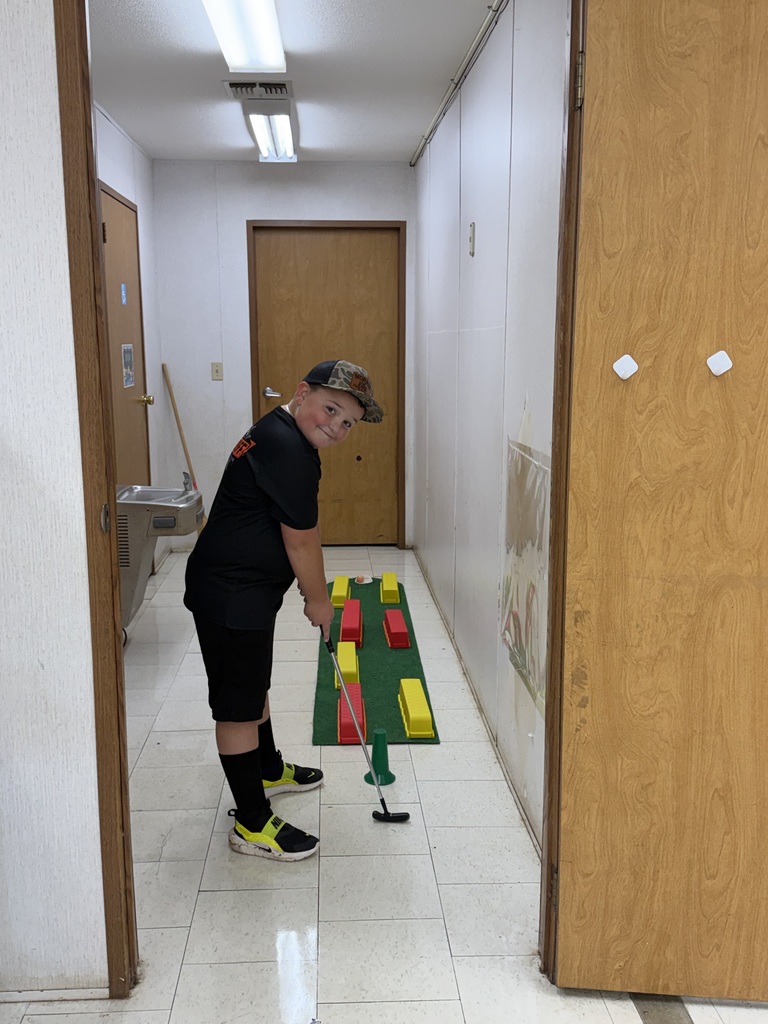
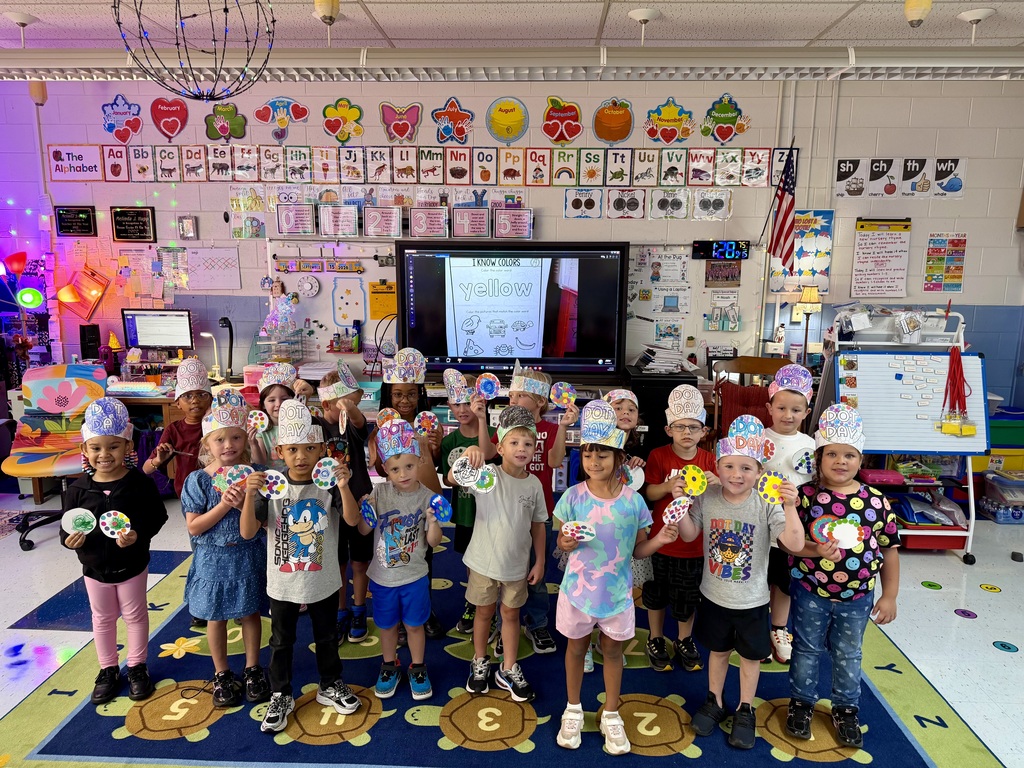

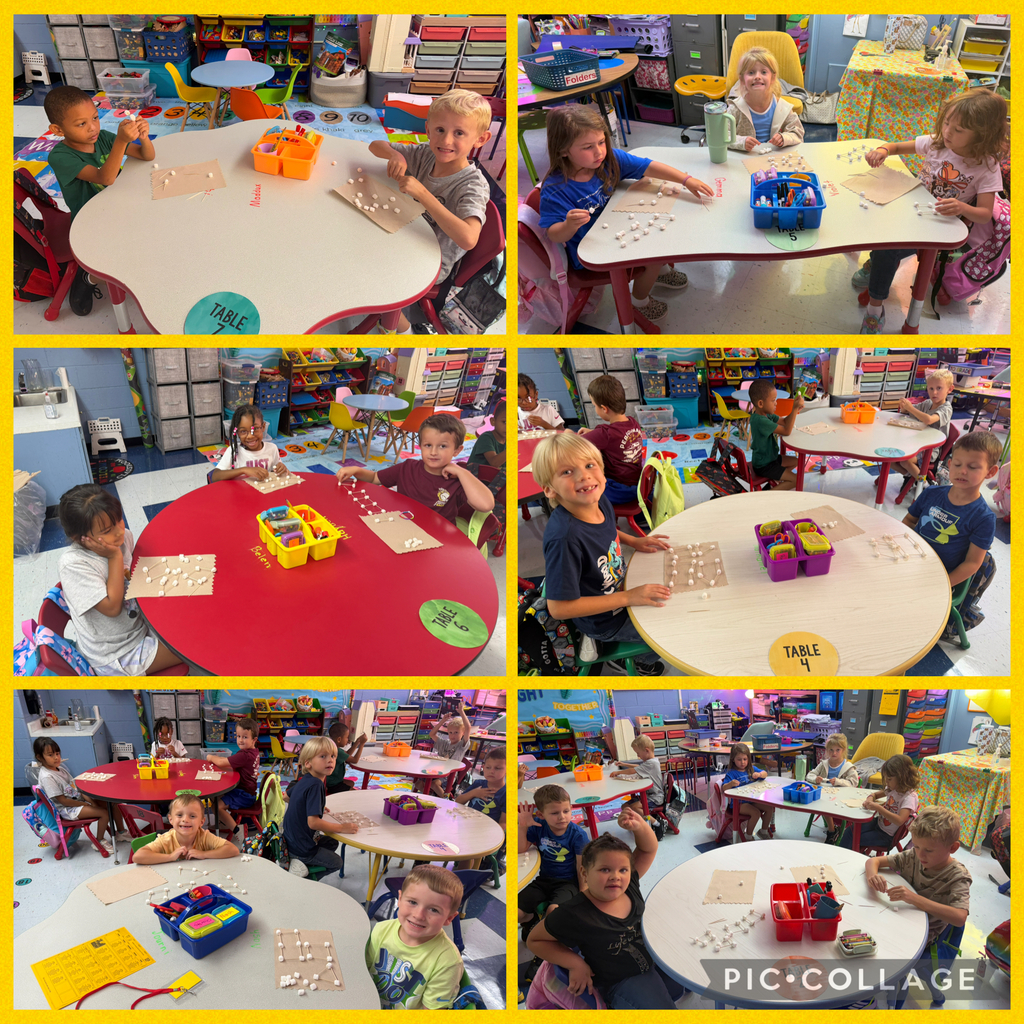
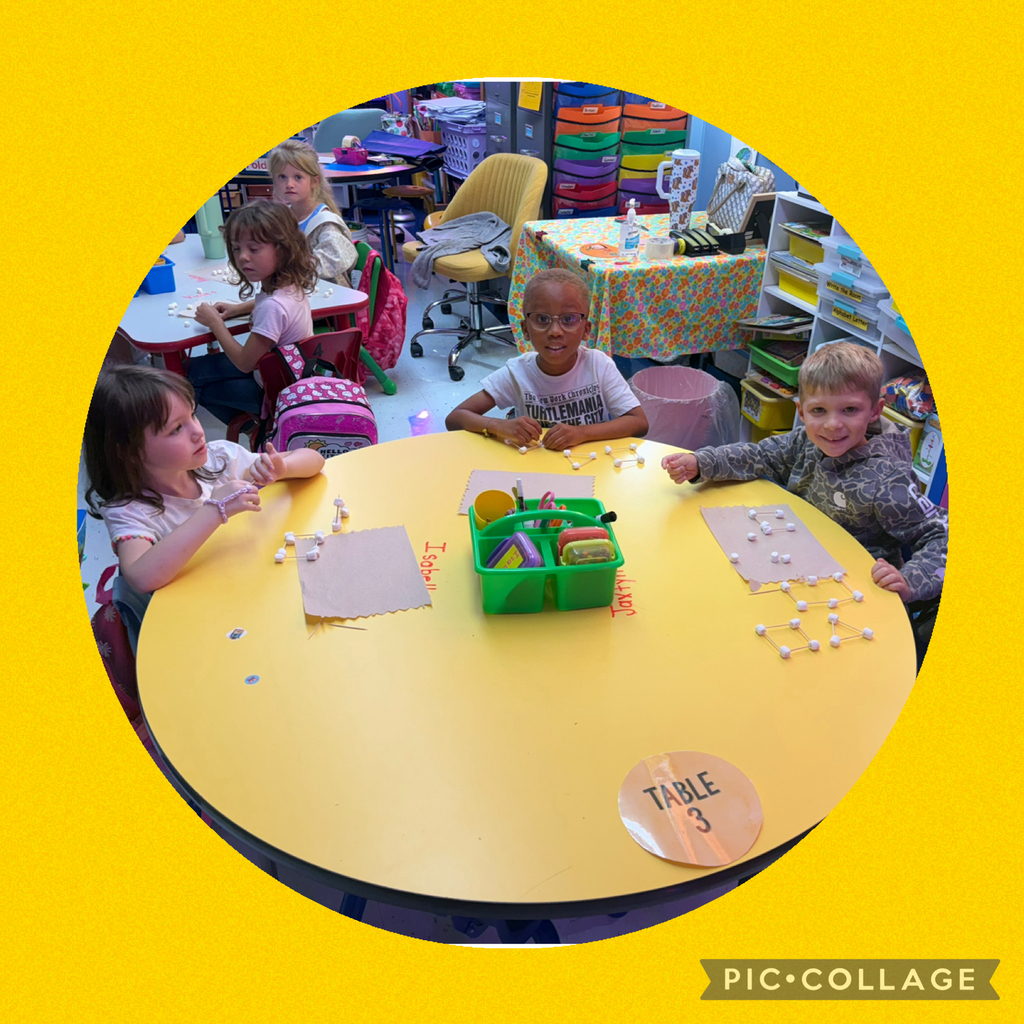
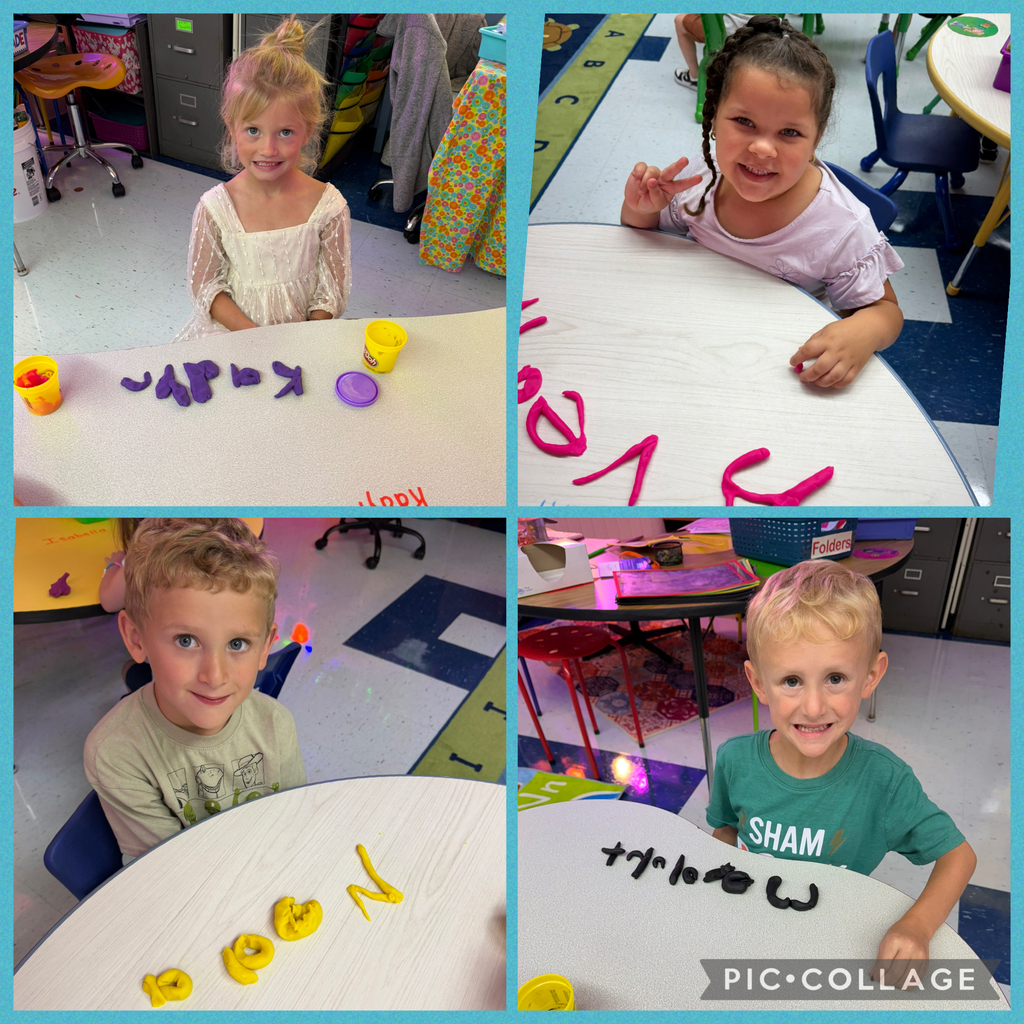
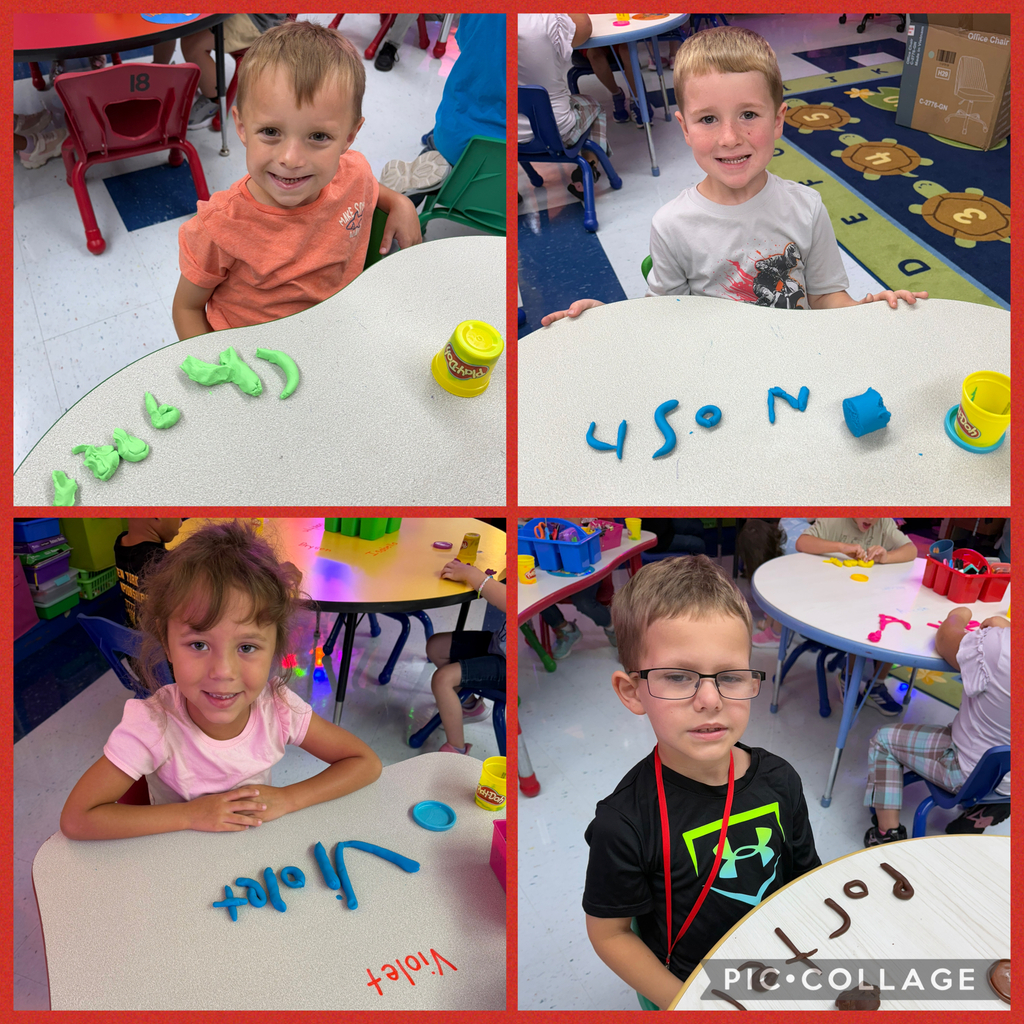
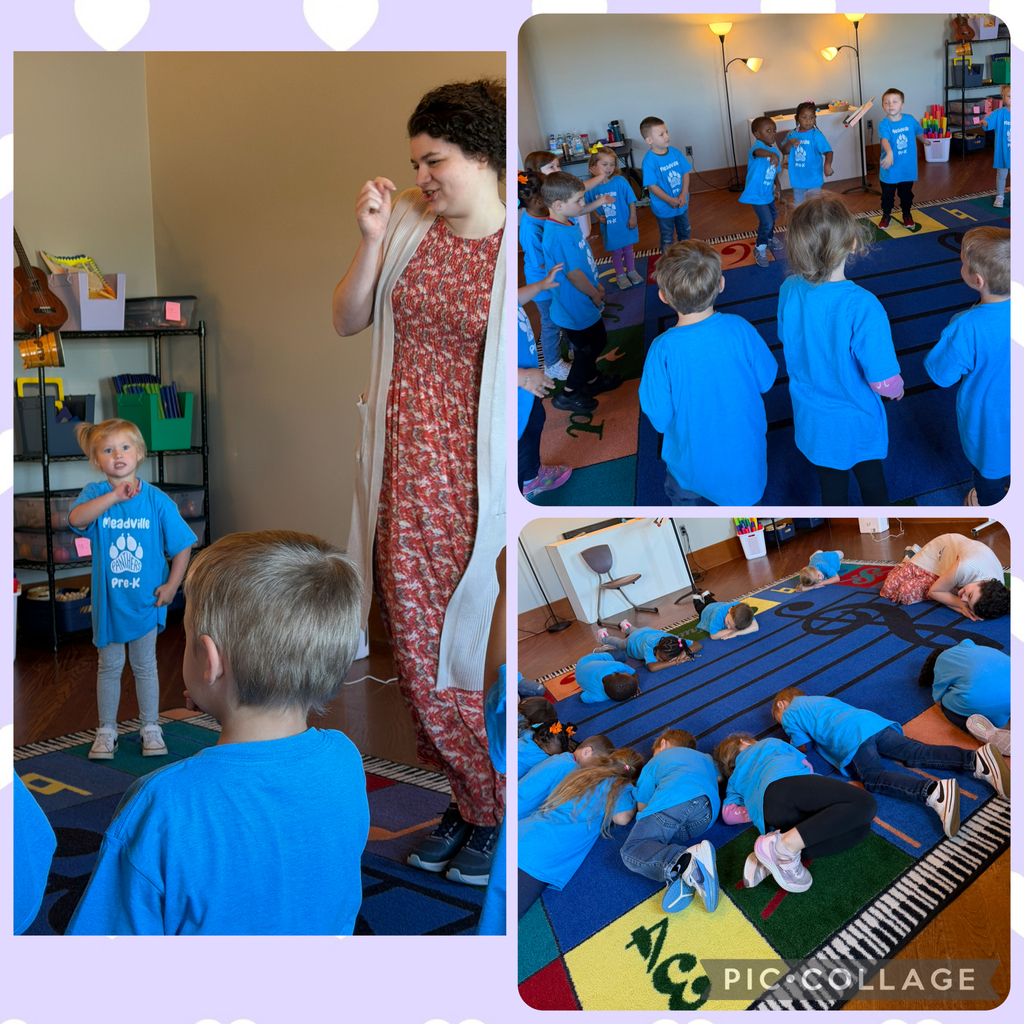
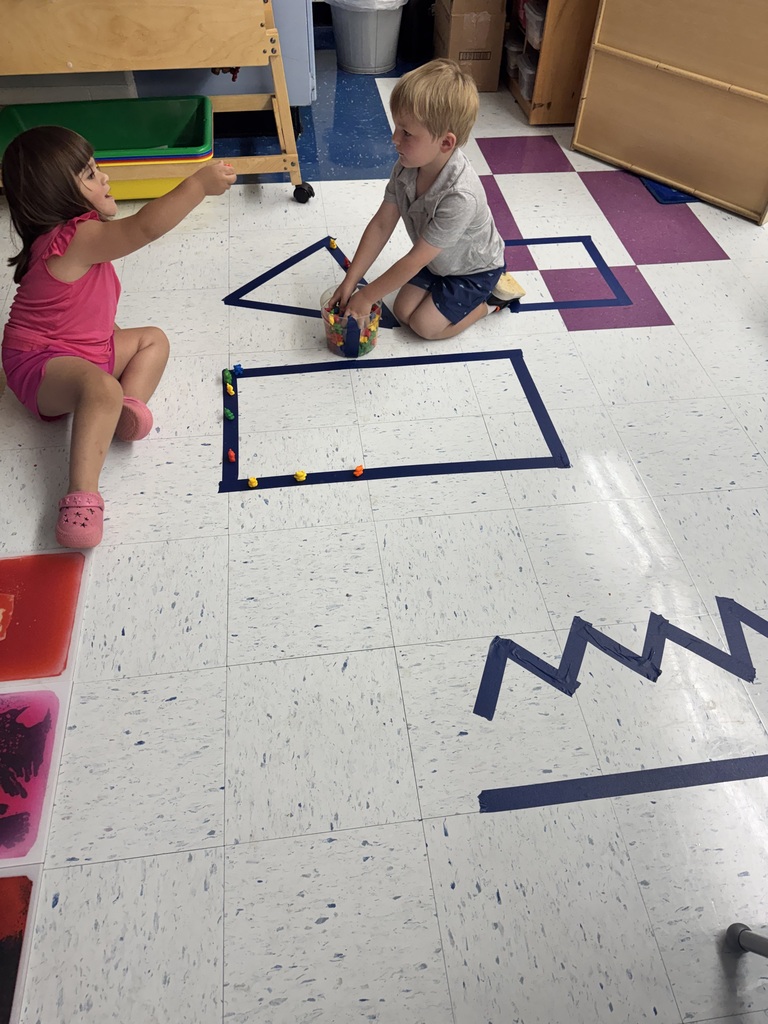
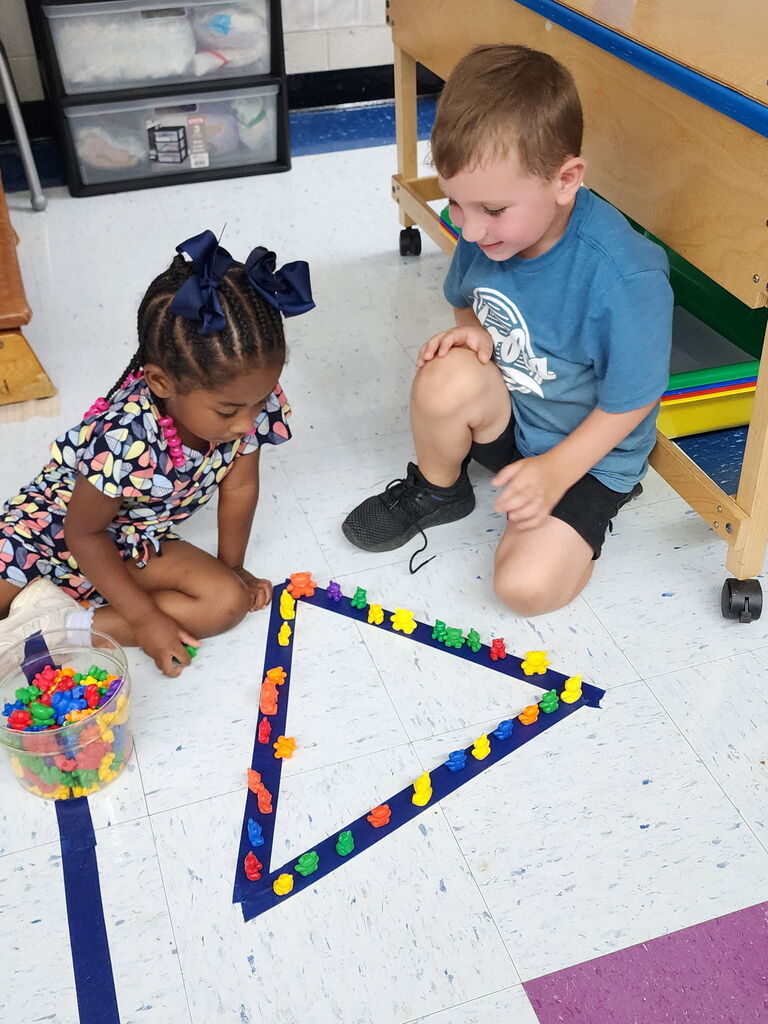
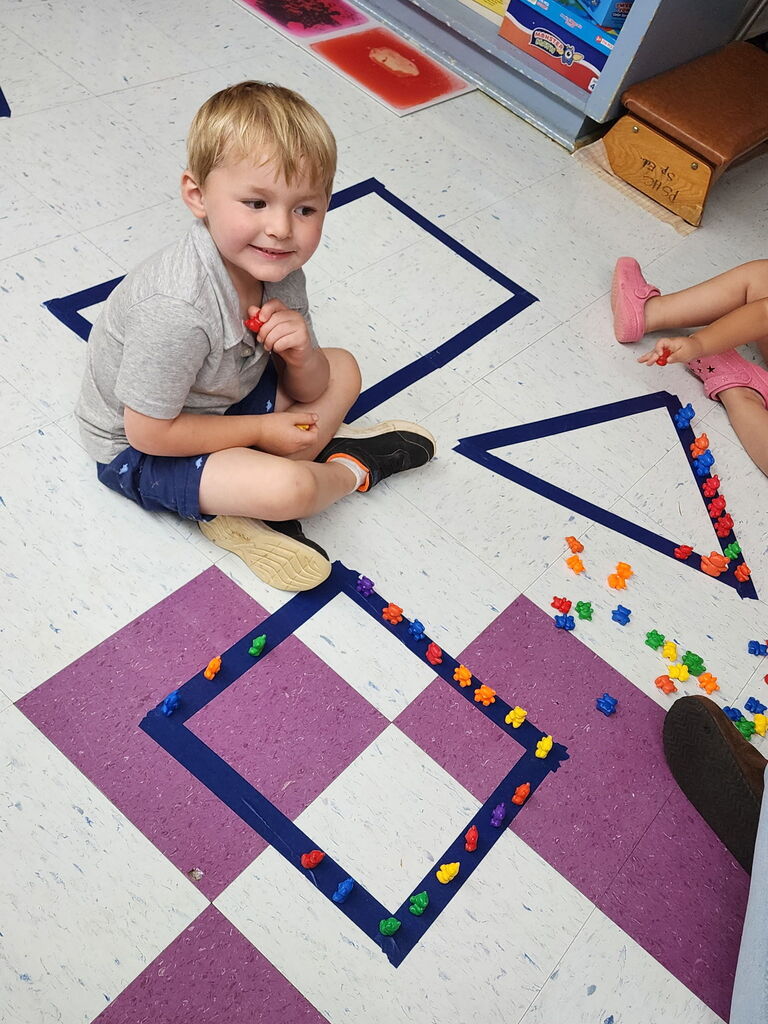
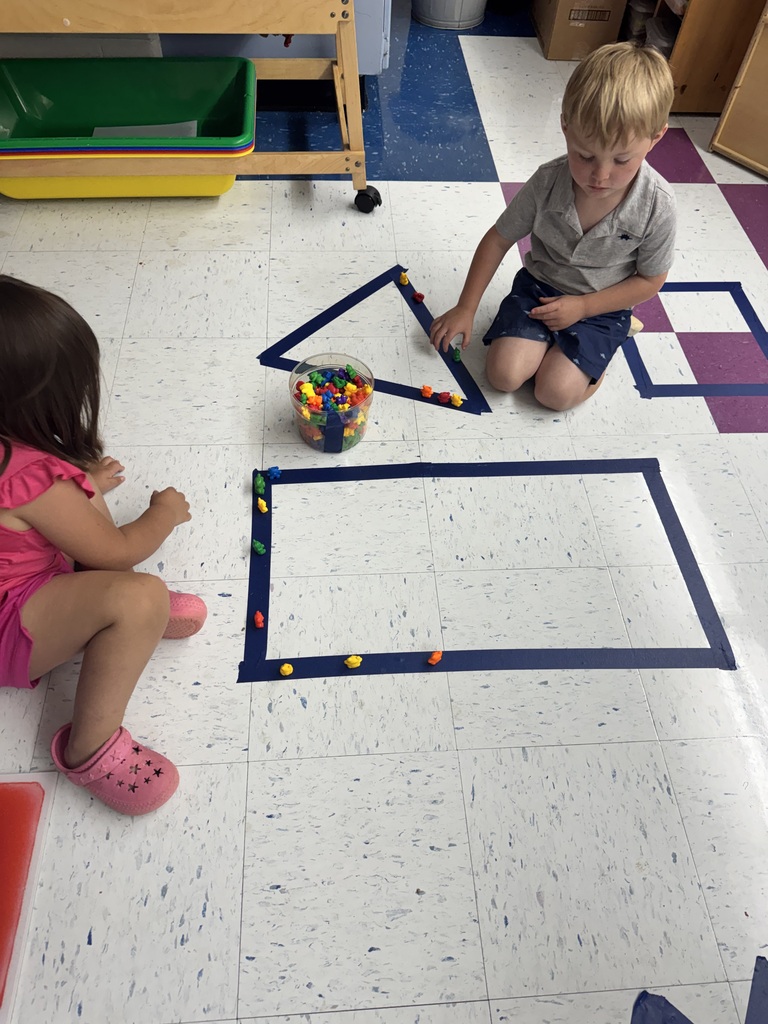
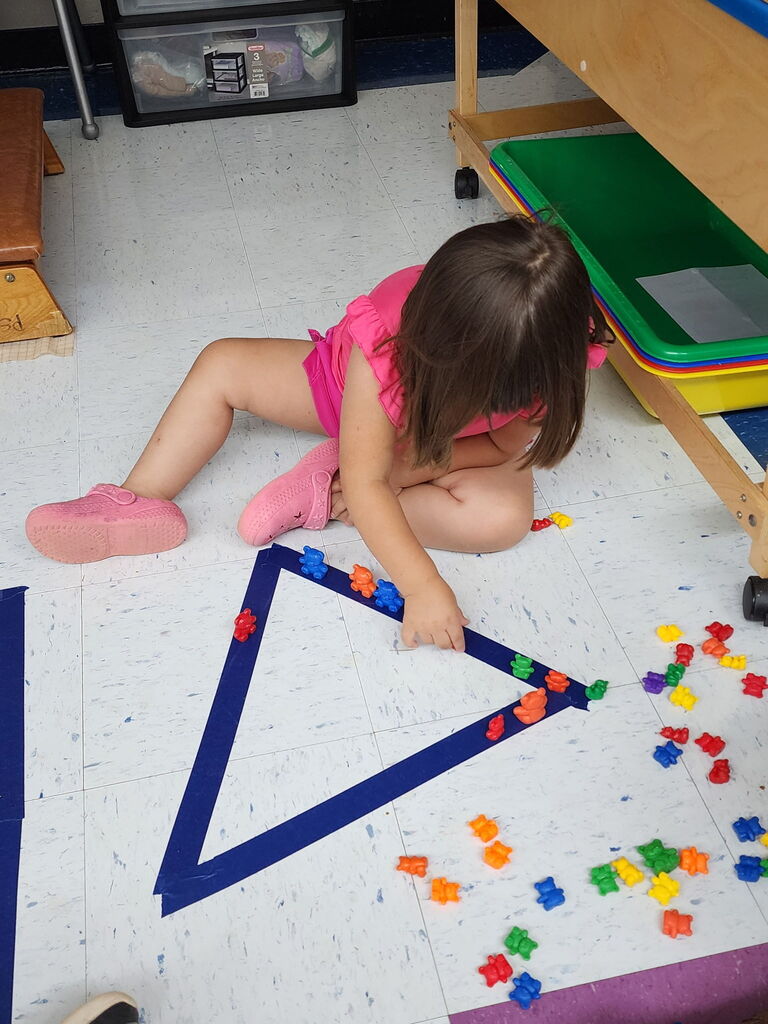
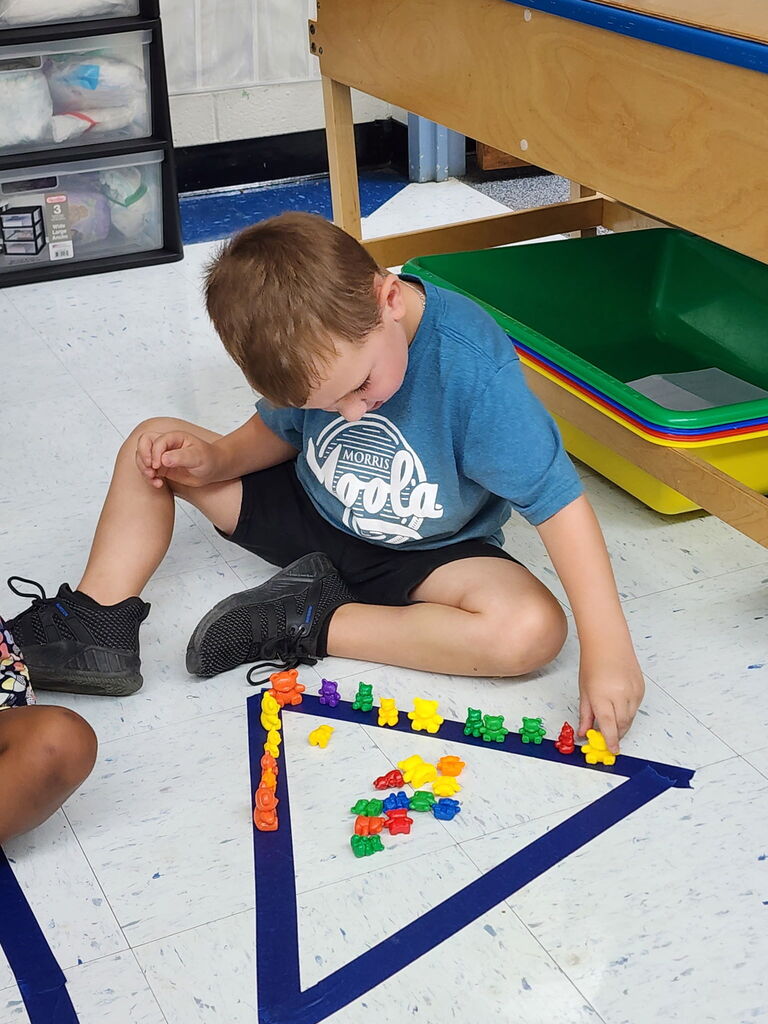
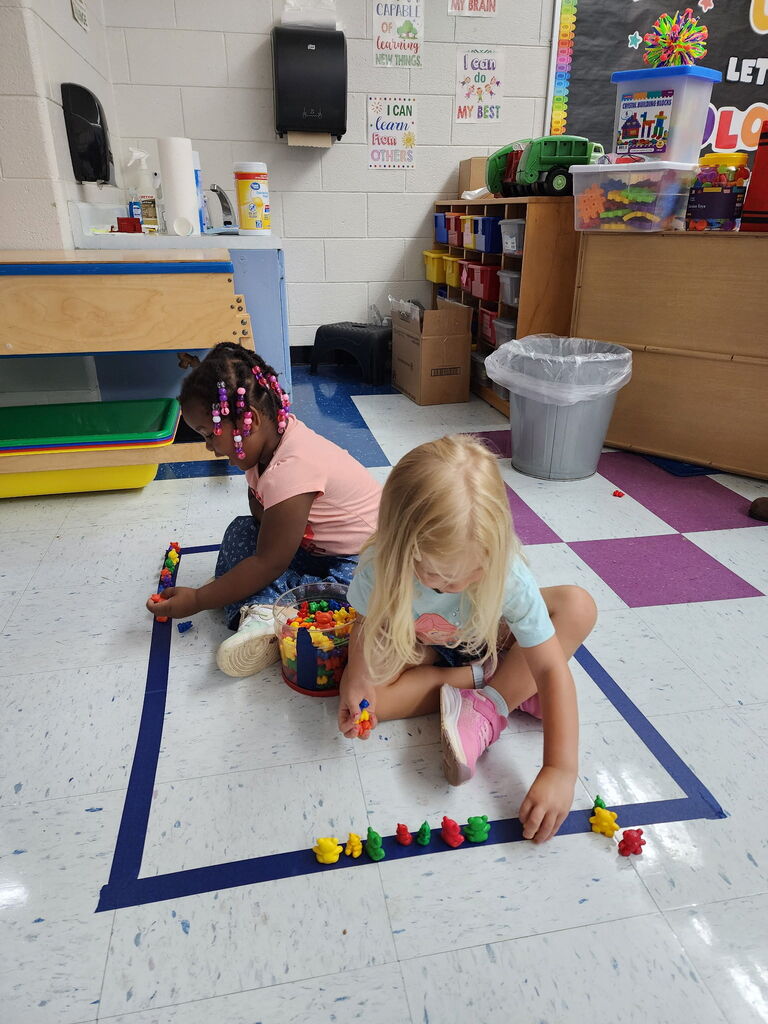
Ms. Logan’s little learners took tracing to the FLOOR! We used manipulatives to create and trace lines and shapes while building fine-motor skills, hand-eye coordination, shape recognition, and pre-writing skills.


The Night of Innovation will be held October 6, 2026 at HCHS. More details to come.
Don’t Fall for AI Tricks
Tip:
🍂 Talk with your child about how some images, videos, and answers online are created using Artificial Intelligence (AI) and may not always be real or accurate. Encourage them to slow down and think about what they are seeing and hearing.
Why it matters:
🍂Elementary students often believe what they see and hear online. AI can create very realistic pictures, videos, and even voices, making it harder to tell what is real. Without guidance, this can lead to confusion, misinformation, and poor decision-making.
Pro Tip:
Teach your child to be a “digital detective” and ask:
👉 “Who made this?”
👉 “Is this real or computer-made?”
👉 “Does the voice sound natural or a little off?”
Let them know it’s okay to question what they see and hear.
Try This at Home:
Watch a short video together and practice noticing clues:
👉 Does the voice sound smooth or robotic?
👉 Do the mouth movements match the words?
👉 Does anything look or feel “off”?
👨👩👧 Parent Connection
Be mindful of what your child posts or shares online.
🍂AI tools can be used to edit photos, mimic voices, or alter videos in ways that may be misleading or harmful.
Helpful Reminder for Families:
👉 Avoid sharing personal photos publicly
👉 Use privacy settings when possible
👉 Talk with your child about asking permission before posting